 Deborah Cook

If you’re venturing into the world of online trading, metatrader 4 is likely a name you’ll encounter. Known for its robust features and user-friendly interface, MT4 is a favorite among traders worldwide, especially those using Windows. But getting started can seem daunting. Fear not—this guide will walk you through essential tips to make your MT4 experience smooth and rewarding.
Downloading and Installing MT4
The first step to mastering MT4 is getting it up and running on your Windows PC. Visit the official MetaTrader 4 website or your broker’s site to download the installer. Once downloaded, run the installer and follow the prompts. The process is straightforward, ensuring that even if technology isn’t your strong suit, you won’t have trouble setting it up.
Familiarizing Yourself with the Interface
Once installed, take some time to explore the MT4 interface. Familiarity is key to efficiency. You’ll notice key components such as the Market Watch, Navigator, and Terminal windows. Spend some time clicking around to see what each function does. This will help you understand how to place trades, manage your portfolio, and analyze markets effectively.
Setting Up Your Trading Account
Before you can begin trading, you’ll need to set up an account. If you haven’t already, choose a reliable broker that supports MT4. Follow their instructions to open an account and obtain your login details. Once you have them, you can log in through the MT4 platform. This process links your account to MT4, allowing you to execute trades.
Customizing Charts for Better Analysis
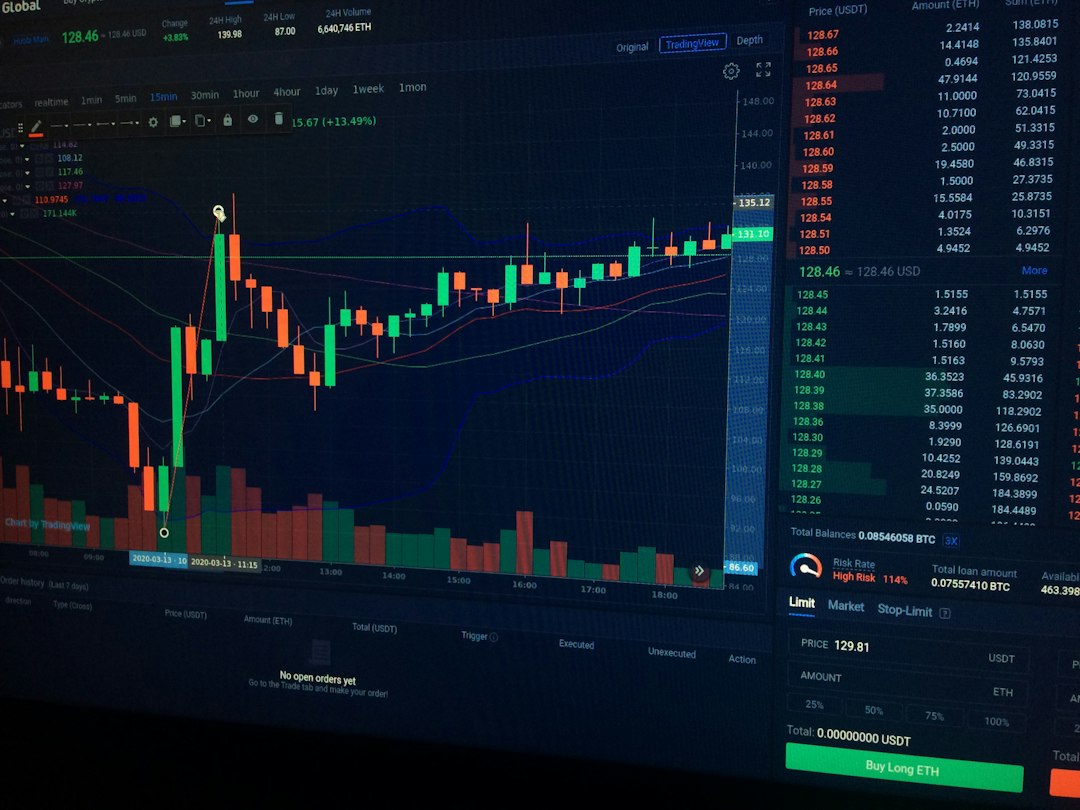
Charts are crucial in trading, helping you make informed decisions. MT4 allows for extensive customization. Right-click on the chart to adjust properties such as colors, types, and timeframes. You can add indicators to gain deeper market insights. These customizations will make it easier for you to analyze data and make strategic trading decisions.
Placing Your First Trade
With MT4 set up, you’re ready to place your first trade. Use the ‘New Order’ button in the toolbar to open the trading window. Here, you can select your desired currency pair, enter the trade size, and decide whether to buy or sell. Always double-check your order details before executing the trade to avoid costly mistakes.
Utilizing Expert Advisors
One of MT4’s powerful features is the use of Expert Advisors (EAs). These are automated trading strategies that can help you execute trades based on specific criteria. To use an EA, download it from a trusted source and load it into MT4. While EAs can be beneficial, always monitor their performance to ensure they align with your trading goals.
Ensuring Security and Backup
Security is paramount when trading online. MT4 allows you to set up additional security measures such as two-factor authentication. Regularly update your software to protect against vulnerabilities. Additionally, back up your trading data regularly. This ensures you won’t lose vital information in case of unexpected technical issues.
Continuous Learning and Adaptation
Trading is a continuous learning process. Stay updated with market trends and MT4 updates. Numerous online resources, including forums and tutorials, can enhance your knowledge. Adapting to new features and strategies will keep your trading skills sharp and improve your chances of success.
Conclusion
Starting with MetaTrader 4 on Windows may seem complex, but with these essential tips, you’ll be navigating the platform like a pro in no time. From installation to placing trades, each step is a building block toward effective trading. Remember, continuous learning and adaptation are keys to thriving in the trading world. Ready to explore further? Delve into MT4’s extensive features and watch your trading skills grow!


 Jerry Roberts